Over the years, the chat widget in the bottom right corner has become a true standard for customer service. For the vast majority of policyholders, this location is the first reflex when a question arises about a contract or a guarantee: it is the universal landmark of digital assistance. At tolk.ai, we are convinced that this “widget reflex” is a valuable asset for the policyholder relationship. This is why the Ask AI feature does not seek to replace it, but to multiply its reach.
It makes it possible to insert conversational entry points exactly where the policyholder journey calls for an interaction. Users are then supported with the same relevance in the pre-sales phase for conversion as in after-sales for retention.
Ask AI turns Genii into an omnipresent and highly contextual force.
The widget: a pillar of trust and global accessibility
First, the success of the floating widget rests on a simple promise: help is always one click away, whatever the navigation. This permanence reassures the user. Whether on the home page or lost in the legal notice, they know a familiar icon is waiting to start the conversation. It is the main gateway to the conversational agent, the one that ensures constant visibility and global access to the company knowledge.
Help always one click away
However, while the widget is ideal for answering general or cross-cutting questions, certain moments in the user journey are so specific that they deserve a more direct invitation. Imagine a visitor studying a complex comparison table or a detailed technical sheet. Their attention is focused on the heart of the page, far from the bottom right corner. This is where the real challenge lies: how do you bring the intelligence of an AI agent directly into the reading flow, as close as possible to the hesitation?
Rather than asking users to leave their reading zone to reach the widget, Ask AI brings Genii to them. On mobile in particular, where space is limited, this ability to blend harmoniously into the existing design is a strategic opportunity. It makes it possible to activate Genii on surfaces where the widget might sometimes hide a crucial action button or clutter the interface, ensuring a smooth experience that respects the brand guidelines.
Ask AI turns every reading point into an intelligent touchpoint, delivering smooth assistance without ever breaking the policyholder experience.
Ask AI: the innovation of contextual placement
How the Ask AI feature works
Ask AI introduces unprecedented flexibility by freeing Genii from its fixed location. It gives professionals the ability to punctuate the customer journey with conversational “micro-moments”, strengthening the relevance of every interaction.
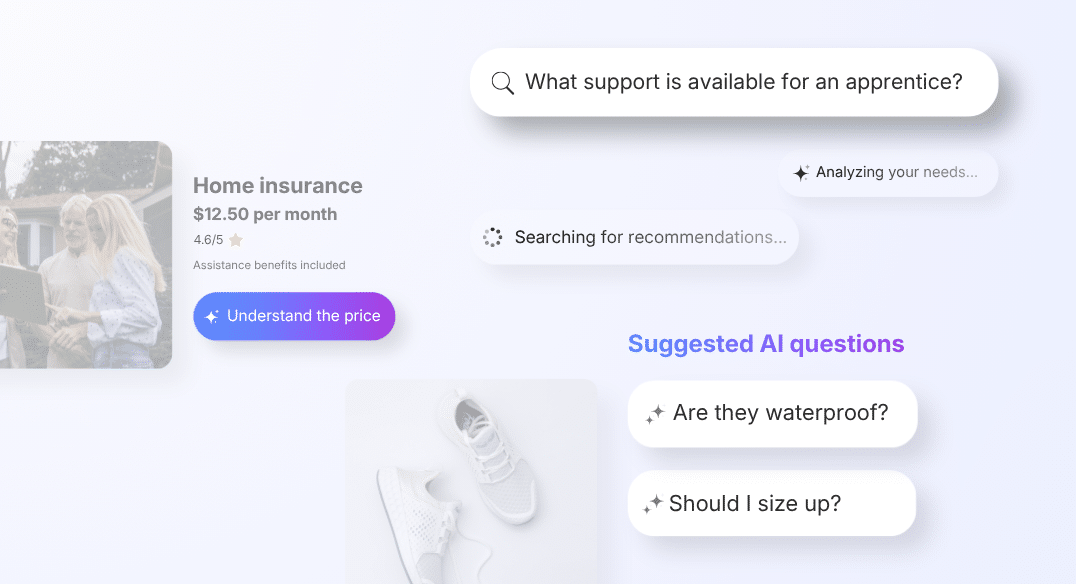
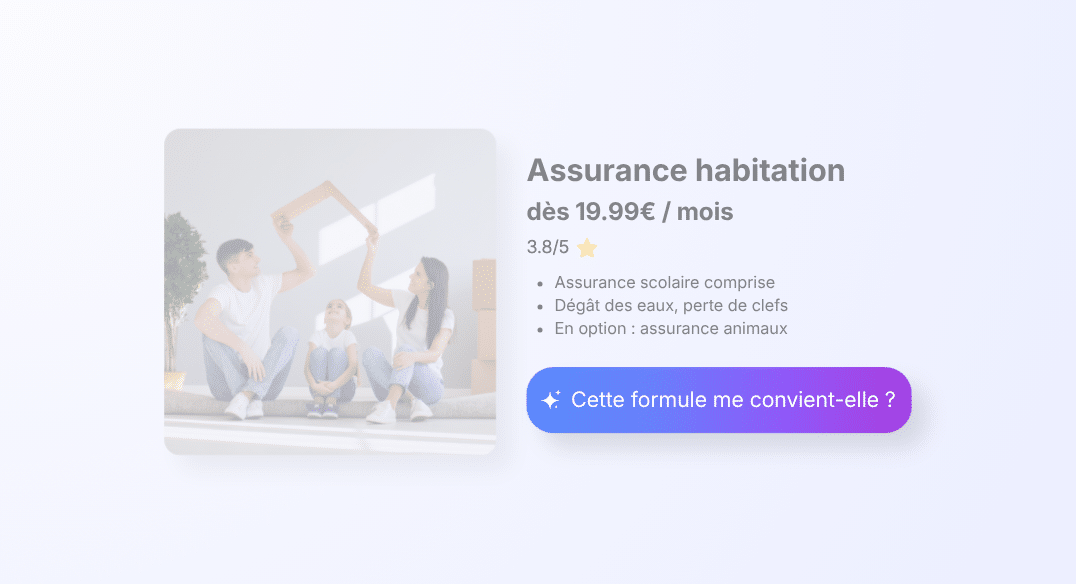
In concrete terms, Ask AI takes the form of a text or icon button. The insurer places it freely: in the policyholder area next to claim tracking, in the footer near the legal notice, in the panel of an auto offer near the price simulator, and so on. On click, Genii starts the conversation directly, with no welcome screen and no category to select: with no effort for the policyholder.
Key benefits
This placement freedom is what makes Ask AI the perfect complement to a widget. While the widget ensures permanent support, Ask AI makes it possible to create intelligent, strategic anchors. On click, the transition is instant: the conversation starts without friction, building on the visitor momentum of curiosity.
As a result, for teams already running a site with established brand guidelines, this is a concrete argument. Ask AI fits in without imposing an additional visual element. It uses the available spaces, the existing navigation zones, the modules already in place. The presence of Genii becomes invisible in the design, yet available in the experience.
The label as a marketing micro-message
One of the most underrated benefits of Ask AI lies not only in its mechanics, but in what it enables on the editorial side. The button label works as a genuine contextual CTA (Call-to-Action), fully customizable. This freedom turns every entry point into a highly targeted marketing micro-message.
Ask AI: be strategic across your policyholder journeys
In pre-sales, a “Simulate my price” button placed near a quote guides the policyholder toward decision support to boost conversion. Conversely, in after-sales, a “Track my claim” button placed in the personal area supports retention by delivering an immediate answer. Likewise, a “Ask for advice” button near customer reviews or guarantees invites visitors to clear up their last doubts on real use cases.
In this sense, Ask AI is not a generic trigger. It becomes a navigation element in its own right, whose text can be calibrated to match the intent of each page. This is the difference between undifferentiated access to AI and an AI that shows up with the right invitation at the right point in the journey.
For a marketing team that thinks in terms of conversion per page rather than per session, Ask AI opens a new field of optimization: no longer just “is the widget active?”, but “which message triggers the most interactions on this specific page?”
A strategic alliance for total coverage
Moreover, the winning approach rests on the coexistence of these two formats. The conversational widget remains the central pillar of engagement, able to handle long and varied sessions. Ask AI comes in as a targeted extension, an expert called upon for a specific point in the content.
In practice, these two formats coexist. On the main pages of an insurance site, the floating widget remains the most complete format for starting a general conversation. On subscription journeys, claims FAQ pages or contract management areas, Ask AI offers a discreet entry point, anchored in the business context, with no visual overlay.
As a result, adoption requires neither a redesign of the existing interface nor onboarding support. It fits the logic of the Genii solution: self-service configuration, fast deployment, measurable impact from the very first weeks.
Ask AI preview
- Full direct billing
- Reimbursement within 48h
- Teleconsultation included

Click an Ask AI button to open the assistant and see its answer
Insurance: a complete policyholder relationship strategy
In the insurance sector, the strength of Ask AI lies in its ability to be discreet yet present. On complex subscription journey pages or guarantee tables, it offers a helping hand to the policyholder without ever interrupting their process. It is immediate help that resolves a doubt about an excess or an option without breaking the flow of navigation.
For full effectiveness, we complement this reactive placement with the proactive power of Sparks. While Ask AI waits for the policyholder to take the initiative, Sparks anticipates blockers during a claim declaration by suggesting the most likely questions before they are even asked. Together, they form an unbeatable alliance: Ask AI for discreet contextual access and Sparks for the native reassurance that boosts the conversion rate of prospects into policyholders.
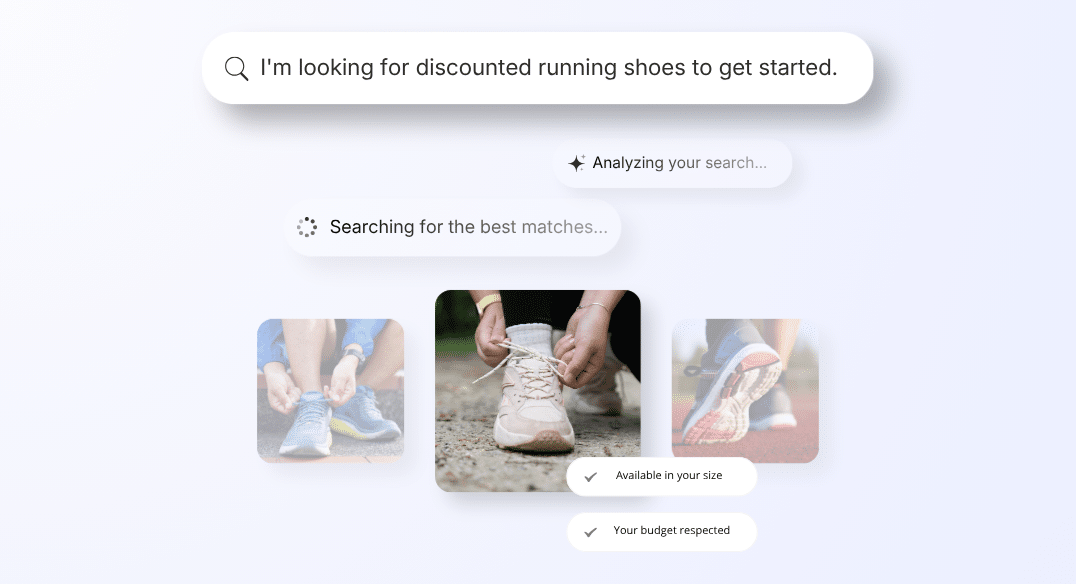
Finder is aimed primarily at e-commerce sites where search is a central touchpoint. In this context, replacing the list of results with a direct answer is not a simple improvement: it is a paradigm shift.
One button, one engaged conversation
In short, Ask AI does not replace good habits; it enriches them. By combining the “widget reflex” for universal access with Ask AI buttons for contextual access, customer relationship professionals ensure that Genii is present wherever it adds value.
This feature can also answer the visitor who is already absorbed in the content, who has a specific question, but whose journey does not naturally lead them to the widget.
This synergy makes it possible to support the user with total precision: the widget answers their questions, while Ask AI anticipates their needs at the very heart of the information. It is the guarantee of a seamless conversational experience, where every entry point is optimized to kill hesitation before it arises.
Ultimately, every page becomes a potential conversion surface. Every silent question becomes an engaged conversation.
Ask AI complements the traditional widget with contextual conversational entry points, supporting the user as close as possible to their needs to clear hesitation and optimize conversion.